
Best Tech for Deep Focus (No Distractions Setup 2026)
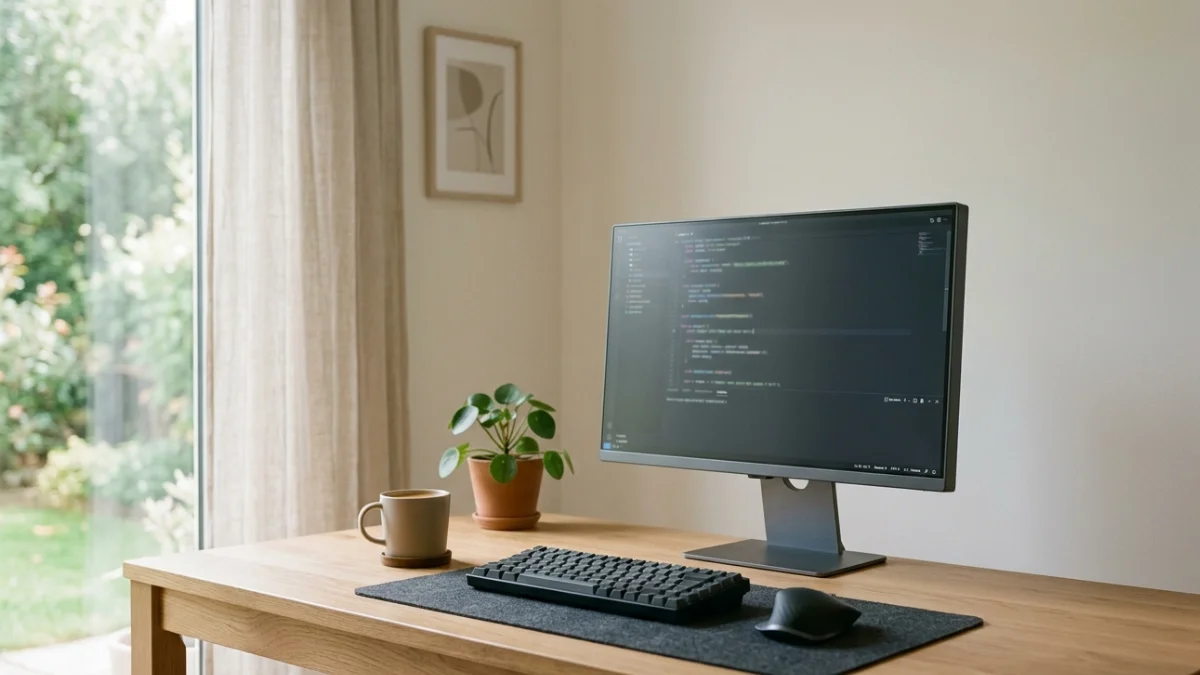
A distraction-free setup isn’t about aesthetics — it’s about removing friction between you and deep work.
Why Most “Productivity Setups” Fail
Most setups you see online are designed for visual appeal, not real productivity. RGB lights, ultra-clean desks, and expensive accessories look impressive — but they often introduce more distractions than they remove.
Deep focus requires the opposite: fewer visual interruptions, fewer decisions, and tools that simply work without pulling your attention away.
If your setup makes you adjust, tweak, or react constantly, it’s not helping — it’s slowing you down.
What Actually Improves Focus (Not What Looks Good)
- ✔ Reduced noise and background distraction
- ✔ Comfortable setup for long sessions
- ✔ Reliable tools with zero friction
- ✔ Minimal visual clutter
Focus is not about adding more gear. It’s about removing everything that interrupts your mental flow.
1. Noise Control: The Most Important Upgrade
Noise is the biggest focus killer. Even small background sounds can break concentration without you noticing.
This is where noise-cancelling headphones or well-isolated earbuds make a real difference.
If you want deeper comparisons, check: Best Wireless Earbuds 2026 or Best Noise Cancelling Headphones for Calls.
For most people, the goal is simple: reduce environmental noise enough so your brain can stay locked into one task.
2. A Clean Desk That Reduces Cognitive Load
Every object on your desk competes for attention — even if you don’t actively notice it.
A clean desk isn’t about aesthetics. It’s about reducing the number of visual decisions your brain has to process.
Key principle: if you don’t use it daily, remove it.
You can explore a full setup breakdown here: Work Productivity Setup 2026.
3. Display Setup That Supports Long Focus Sessions
Your screen is where your attention lives — so it needs to support clarity, not strain.
A properly sized monitor with good brightness and minimal glare helps reduce fatigue over long sessions.
Recommended: Best Monitors for Productivity
If your eyes get tired, your focus drops — no matter how motivated you are.
4. Ergonomics = Longer Focus Time
Discomfort is one of the most underrated distractions.
If your chair, posture, or desk height is off, your body constantly pulls your attention away from work.
A proper ergonomic setup allows you to stay in flow longer without interruptions.
5. Reliable Input Devices (No Friction)
Your keyboard and mouse should disappear while you work — not become something you notice.
Lag, bad ergonomics, or inconsistent tracking all break your rhythm.
A good example: Logitech MX Master 3 Review
The goal is simple: zero friction between intention and action.
6. Lighting That Keeps You Alert
Lighting directly affects focus and energy levels.
Too dark → you feel tired Too bright → eye strain Too cold → uncomfortable
Soft, indirect lighting with balanced brightness works best for long sessions.
What to Avoid (Common Mistakes)
- ❌ Overcomplicated setups
- ❌ Too many gadgets
- ❌ RGB / visual distractions
- ❌ Cheap tools that break workflow
If something pulls your attention away — even slightly — it doesn’t belong in a deep focus setup.
Final Thoughts: Focus Is Built, Not Bought
No device will magically give you focus.
But the right setup removes barriers — making it easier to enter and stay in deep work.
Start simple. Remove distractions. Then add only what truly improves your workflow.
FAQ
What is the most important tool for deep focus?
Noise control. Reducing background distractions has the biggest immediate impact.
Do expensive setups improve productivity?
Not necessarily. A clean, simple setup often works better than an expensive but distracting one.
How can I focus longer?
Reduce interruptions, improve comfort, and use reliable tools that don’t break your workflow.